

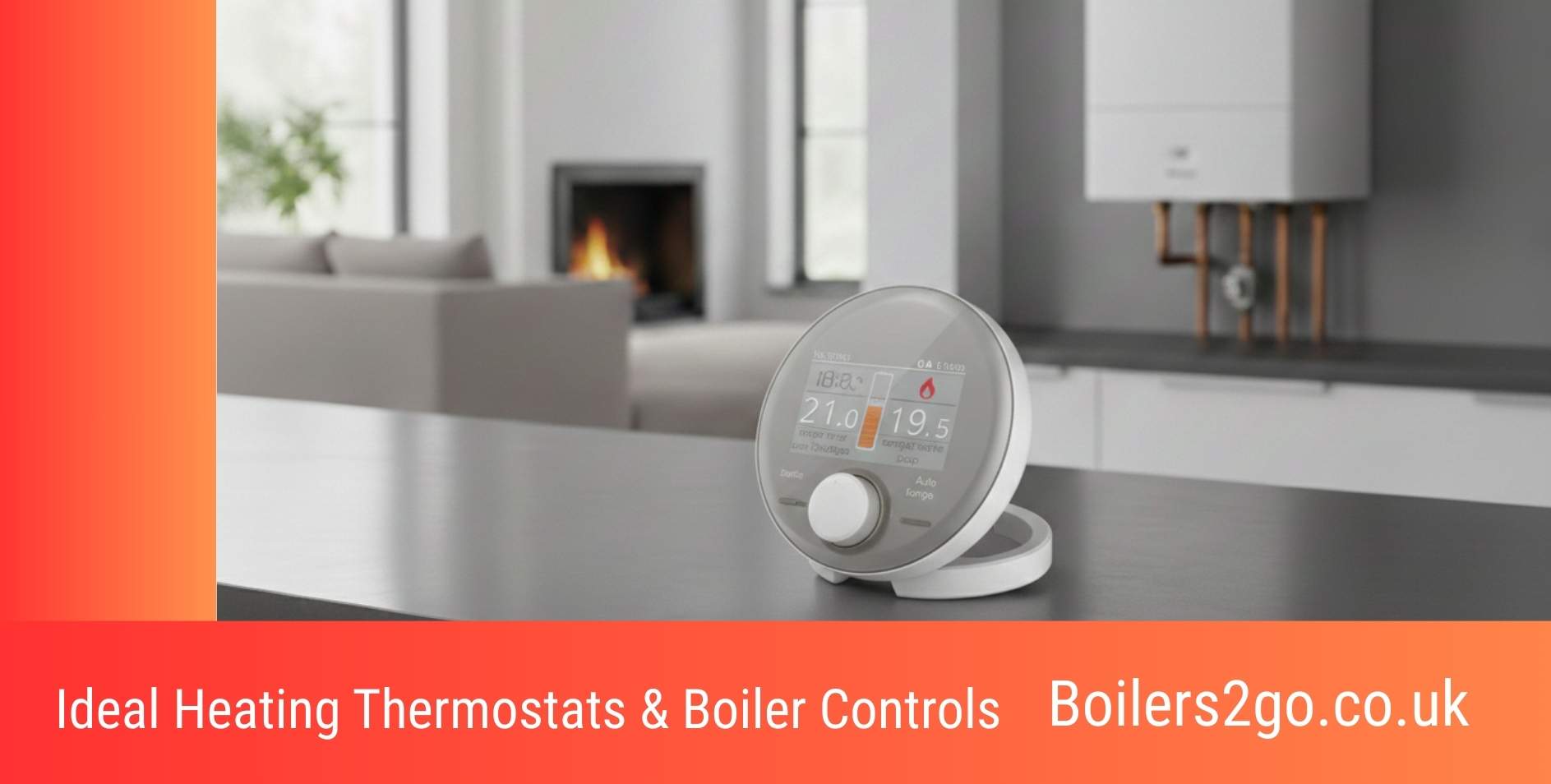
Ideal boilers have earned a strong reputation across UK homes for reliability, efficiency, and straightforward installation. But like any modern heating system, they perform best when paired with the right thermostat.
Choosing the correct control — whether that’s a Logic+ RF thermostat, Halo Wi-Fi control, Touch RF programmer, or Vogue2 RF thermostat — helps your boiler run more smoothly, maintain stable temperatures, and reduce unnecessary gas use.
Here at Boilers2go, this 2026 Ideal controls guide walks through all the main thermostat options first, then covers installation basics, smart-control comparisons, compatibility, and simple ways to get the best efficiency from your Logic, Vogue, or Heat boiler.
Because once your controls are set up properly, heating becomes something you rarely need to think about.
Why Ideal heating controls make such a difference
A modern Ideal boiler is designed to adjust how hard it works depending on the heat demand in your home. Ideal’s own thermostats take advantage of Opentherm modulation, allowing the boiler to run steadily at lower output instead of repeatedly firing at full power.
That smoother operation usually means:
-
more stable room temperatures
-
lower gas consumption
-
quieter operation
-
less strain on components
Many households see efficiency improvements of around 8–12% simply by upgrading from an older on/off thermostat to a compatible Ideal control.
Most Ideal thermostats are also wireless and designed for easy retrofitting, making them a practical upgrade without major installation work.
All Ideal thermostat options explained
Ideal offers a full range of thermostats, from simple programmable controls to fully smart heating systems.Logic+ RF Electronic Thermostat
The Logic+ RF thermostat is a reliable wireless programmer designed for everyday heating control. It includes a clear backlit display, frost protection, holiday mode, and automatic daylight-saving adjustment.
It’s particularly well suited to Logic combi boilers running at lower flow temperatures, where consistent scheduling helps maintain efficiency.
For many homes, this is the easiest way to upgrade from a basic thermostat without moving into smart controls.
Vogue2 RF Electronic Thermostat
The Vogue2 RF thermostat offers similar functionality but is optimised for Ideal’s Vogue boiler range. It supports central heating and hot-water scheduling and communicates wirelessly with the boiler.
Like the Logic+ RF, it supports Opentherm communication, allowing the boiler to adjust output more precisely.
Touch RF Programmable Thermostat
The Touch RF thermostat adds a larger LCD display and simple dial navigation, making scheduling heating and hot water easier to manage.
It’s battery powered and pairs quickly with the boiler receiver, making installation straightforward. This control suits households that want flexible scheduling without moving to app-based heating.
Halo Combi Wi-Fi Thermostat
The Halo Combi Wi-Fi thermostat is Ideal’s flagship smart control. It combines a full-colour touchscreen with app-based heating control, geolocation features, and integration with Alexa and Google Assistant.
Because it connects directly to Wi-Fi, there’s no separate hub required, which keeps installation simple.
For homeowners new to smart heating, Halo is one of the easiest systems to live with day to day.
Halo Heat/System RF Thermostat
Designed for system boilers, the Halo Heat RF thermostat provides wireless heating and hot-water control alongside app connectivity and frost protection settings.
It allows prioritisation of hot water and integrates neatly with Ideal system boilers.
Halo 2-Zone Extension
For larger homes, the Halo 2-Zone extension allows separate wireless control of different heating zones. This improves comfort and efficiency without requiring major pipework changes or additional wiring.
Installing the Ideal Touch RF thermostat (step by step)
One reason Ideal controls are popular with installers is how simple they are to set up.
The Touch RF thermostat is a good example of this.
Position the thermostat roughly 1.5 metres above the floor in a living area, away from draughts and direct heat sources.
After isolating power to the boiler, remove the front panel and insert the RF transceiver into the control socket. Refit the panel securely before powering the boiler back on.
Insert the batteries into the thermostat, allow it to pair with the receiver, then test the system by adjusting the temperature.
Most installations take around 20–30 minutes.
Ideal smart controls vs Nest and Hive (2026)
Nest and Hive remain popular smart thermostat options in the UK, especially in homes with multiple zones or wider smart-home systems.
However, Ideal’s own controls often provide better integration with Ideal boilers because they use Opentherm communication directly rather than simple relay switching.
This allows the boiler to run more efficiently and maintain steadier temperatures without additional adapters or wiring.
Nest and Hive offer stronger zoning flexibility, but Ideal controls usually win for simplicity, compatibility, and cost when used with Ideal boilers.
Best Ideal controls for energy savings in 2026
With energy costs still a concern for many households, choosing the right thermostat can make a noticeable difference.
The Halo Combi Wi-Fi thermostat leads Ideal’s range for energy savings thanks to geolocation heating control, weather compensation, and smart scheduling.
For homes that don’t need smart features, Logic+ RF and Vogue2 RF thermostats still deliver efficiency improvements compared to older thermostats simply by improving scheduling and modulation.
Often, the biggest savings come from better control rather than changing the boiler itself.
Wireless thermostat compatibility with Ideal boilers
Most Ideal boilers manufactured after 2018, including Logic, Vogue, and Heat ranges, support wireless thermostat controls through plug-in RF or Opentherm receivers.
This makes upgrading controls straightforward and usually avoids the need for additional wiring.
Using Ideal-compatible thermostats ensures the boiler’s modulation features work properly, which is where much of the efficiency benefit comes from.
Programming tips for Ideal heating controls
Good programming habits can improve comfort and reduce heating costs without any new equipment.
For most UK homes, setting heating between 18–21°C during the day and slightly lower overnight works well. Using holiday mode when away and allowing schedules to run automatically helps maintain efficiency.
Smart controls like Halo can also adjust heating automatically using location and weather data, which removes much of the guesswork.
Quick decision guide
- If you want simple wireless control, Logic+ RF or Vogue2 RF are solid choices.
- If you want flexible scheduling with an easy display, Touch RF works well.
- If you want app control and automation, Halo is Ideal’s strongest option.
- If you want multi-room heating control, the Halo zoning extension is worth considering.
At Boilers2go, we help homeowners choose the right thermostat for their Ideal boiler every day. If you’re unsure which control suits your system, just tell us your boiler model, home size, and whether you prefer basic, programmable, or smart heating control, and we’ll help you find the right setup.

I’m Penny North, a home energy heating expert. My mission is to demystify new boilers and complex heating systems to help you achieve a warm, cosy home with lower energy bills and a smaller environmental footprint.